QR code menus for restaurants and cafés
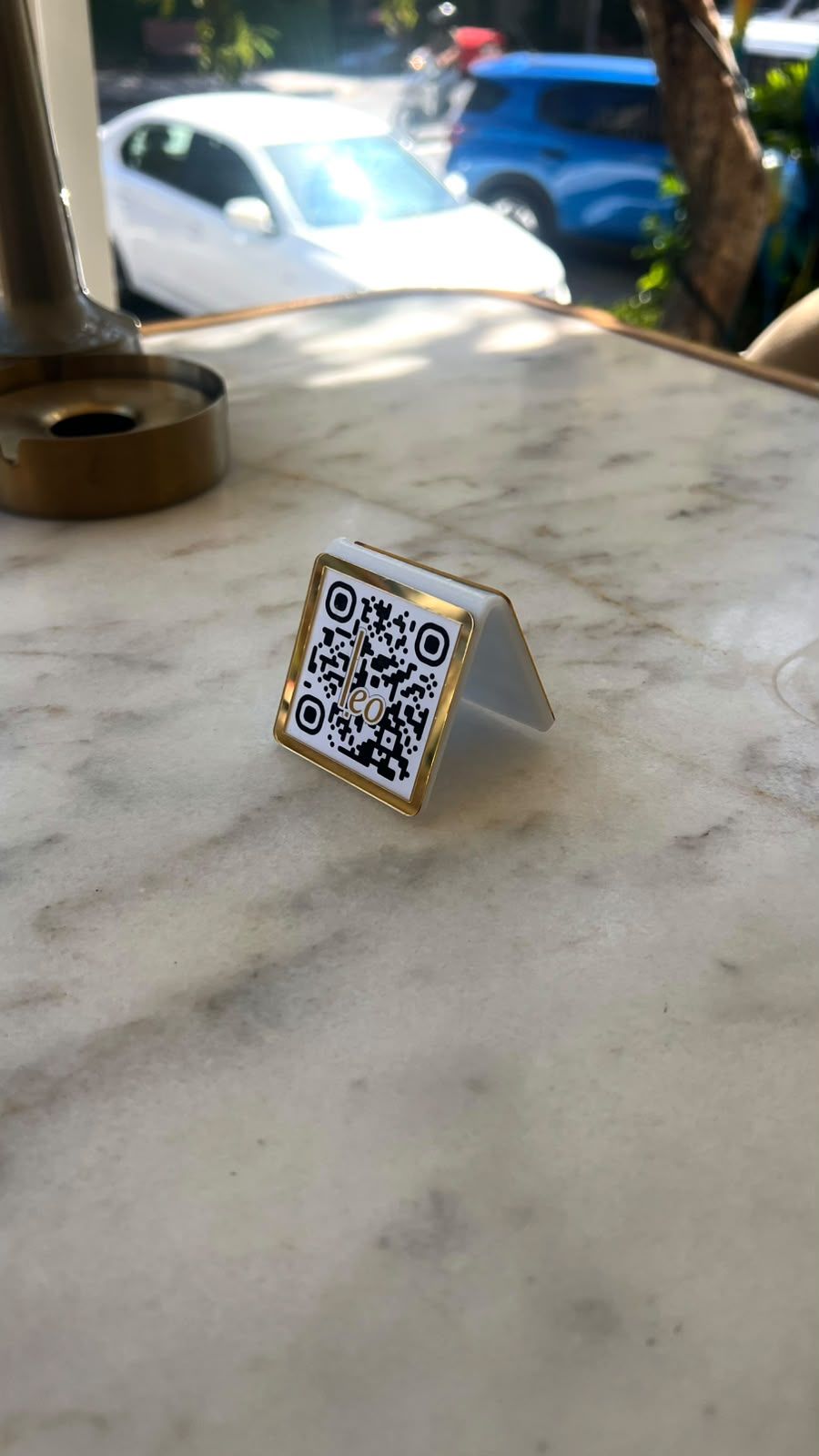
Guests scan the QR code on the table and your menu opens on their phone. You change prices and dishes in the dashboard, so the menu is always up to date.
How does a QR code menu work?
-
The guest scans the QR code
They point their phone camera at the code on the table and tap the link that appears.
-
The menu opens in the browser
Categories, dishes and prices appear quickly and clearly, in a design made for your venue.
-
You update it from the dashboard
Price, dish and photo changes are made in the dashboard and go live straight away.
Update your menu in real time
With a printed menu, every price change means paying for a new print run and waiting for it. With a digital QR code menu you make the change in the dashboard in a few minutes, and guests see it as soon as you save.
- Add, edit and remove dishes
- Update prices
- Change descriptions and photos
- Organise and reorder categories
- Hide dishes that are temporarily unavailable
Designed for your venue
Your menu is not dropped into a ready-made template. It is designed around your logo, brand colours and the style of your venue, so guests get the same feel on their phone as they do at the table.
If you like, the same design carries over to your website, so your business looks consistent everywhere guests find you online.
Your QR code and table stands
The QR code points to the fixed address of your menu. When you change the menu, the code stays the same and nothing needs reprinting.
For businesses in Türkiye we also produce table stands with your logo and colours. Businesses in Europe receive their QR code and have it printed locally.
Why switch from a printed menu?
A digital QR code menu replaces the printed menu and saves you both money and time.
- No reprinting costs when prices or dishes change.
- Changes go live immediately, so no table is left with old prices.
- The menu can be offered in more than one language.
- Dish photos help guests decide.
- No more worn, stained or missing menus.
Who is it for?
A digital QR code menu suits any food and drink business that wants to give guests a fast, up-to-date menu.
- Cafés and coffee shops
- Restaurants
- Bakeries and patisseries
- Lounges and bars
- Businesses with several venues or branches
Live menu examples
These businesses run their menus on onlinemenu-qr. Open the links to see the menus the way their guests do.
Frequently asked questions
Does a QR code menu need an internet connection?
The menu opens over the internet on the guest's phone. Their mobile data or your venue's Wi-Fi is enough.
Can I update the menu without changing the QR code?
Yes. The QR code points to the fixed address of your menu, so every change you make shows up behind the same code.
Can I add photos of my dishes?
Yes. Each item can have a photo and a description, optimised to load quickly on phones. Businesses in Europe provide their own product photos.
I have several branches. Can each one have its own menu?
Yes. Each branch is published with its own menu and guests see the menu of the branch they are in. Separate menus can also be set up for different areas of the same venue.
Do you set up QR code menus for businesses in Europe?
Yes. For businesses in Europe, digital QR code menus, websites and multilingual menus are set up remotely. Printing services and NFC stands are not available in Europe. If you want a menu with photos, your business provides the product photos.
How much does a QR code menu cost?
The price depends on the number of items, the languages and the scope of the design. Fill in the contact form to get a quote for your business.
Get a quote for your QR code menu
Fill in the form or give us a call, and we'll prepare a quote based on the size of your menu and what you need.